 Feng Shui AR
The scanner
Scan your home
The scanner is an app: it needs your phone’s camera and motion sensors to map a room, which a web page cannot do. Feng Shui AR runs on iPhone and iPad.
Coming to the App StoreHow it works
Coming soon. This page will carry the App Store link the day it is out.
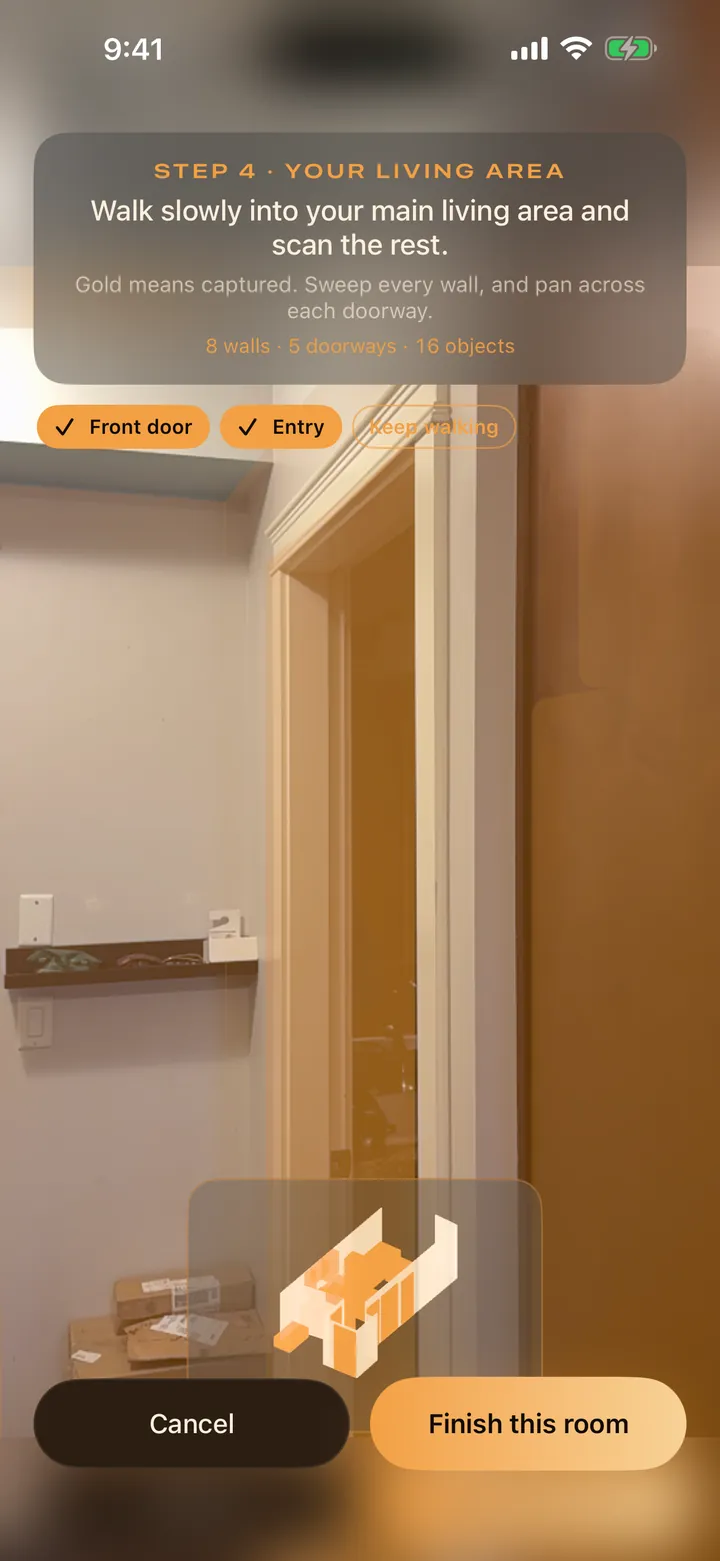
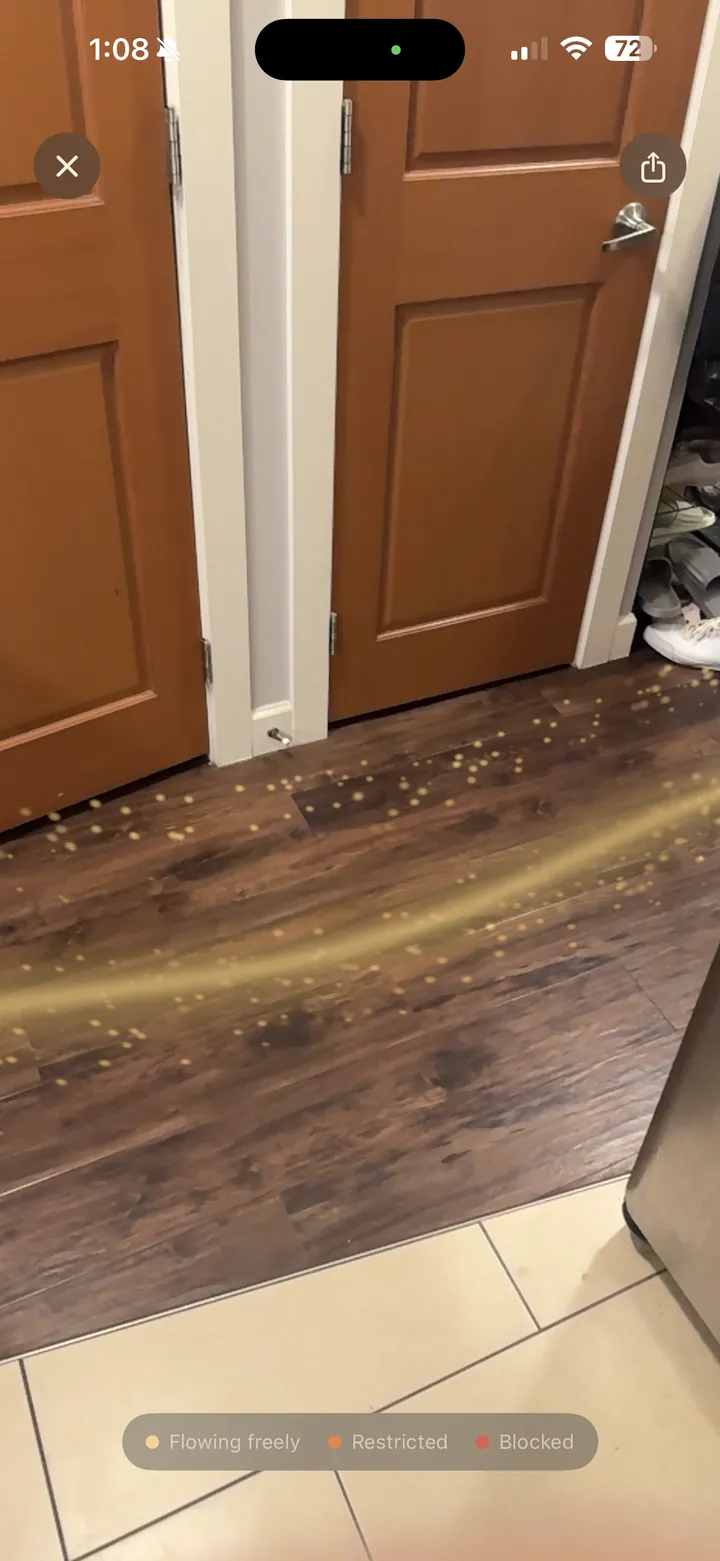
1Start at the front doorStand inside, facing the door, and confirm the doorway. Everything is read from here.
2Walk the homeScan around the door, turn into the living area, then room by room. LiDAR devices scan automatically; others mark corners by hand.
3Follow the lightSee the flow on your plan and in AR, with each blockage named and explained.
4Change it and rescanPreview suggested moves, make the ones you like, and scan again to compare.
A house with stairs? On LiDAR devices keep scanning as you walk up; each floor gets its own plan. Needs iOS 18 or later. While you wait, the browser tools use the same rules: check a bed position, lay out a Bagua map, or work out a BaZi chart.